Table of Contents
Dithering images for the web
Since I was introduced to Low-Tech Magazine, I've wanted to dither images like they do. Not only does it reduce image size and thus bandwith usage, but it looks cool, vintage and has some flare, to me at least.

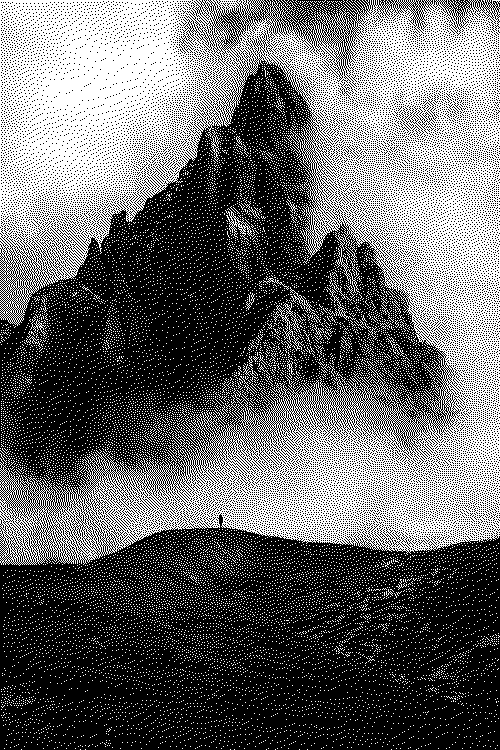
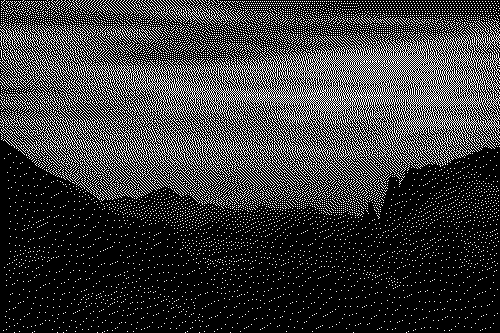
Btw, surma.dev wrote this great article, Ditherpunk — The article I wish I had about monochrome image dithering . It goes into detail how dithering works.
The team at Low-Tech Magazine described in multiple articles the philosophy and technical specs behind the solar-running website. In How to Build a Low-tech Website?, they discuss why they dither.
Unfortunatly, the publishers of the magazine haven't published a tool or guide on how do to so. Thankfully, sloum made a tool called lid. It was recommended via Hacker News as I was discovering the magazine. Couldn't have been better timed.
lid is a python dithering tool, built to dither images like Low-Tech Magazine, and also downsize images to fit the 32kb maximum for image size required by Shizaru, an opinionated web server. lid depends on python and the Pillow (a Python imagine library fork), which you need to have on your system.
I used it a couple of times, notably for the images in Hardwerg, a guide to buying refurbished latptops that I wrote for erg.
My problem with this tool is that it has dependencies (it depends on libraries that evolve independently from it). I much prefer binaries that work out of the box. So I went looking for another tool.
Recently, I've been reading more and more that golang is a great programming language. One of it's features is that it compiles to a binary with bundled dependencies. This means that the binary contains the libs you need to run the library. The feed reader I selfhost, Miniflux, is built in golang for that reason amongst others.
At first I was looking at golang image dithering libraries, thinking that I could make my own program in golang inspired by lid. I ended up stumbling on didder, that uses a dithering library from the same author. Happy days !!
After installing1 it , I ended up with the following command to dither my images:
didder -g -width 500 -c size --palette "black white" -i my_img.ext -o my_output_image.png edm FloydSteinbergFor more information on the arguments of didder, I urge you to go and read the man pages, accessible by running:
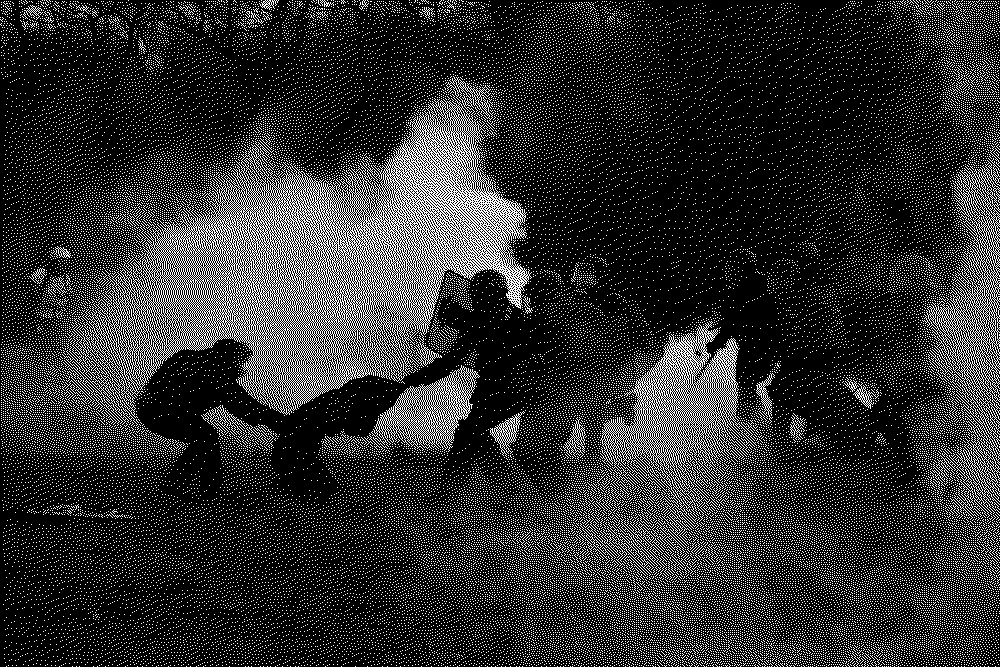
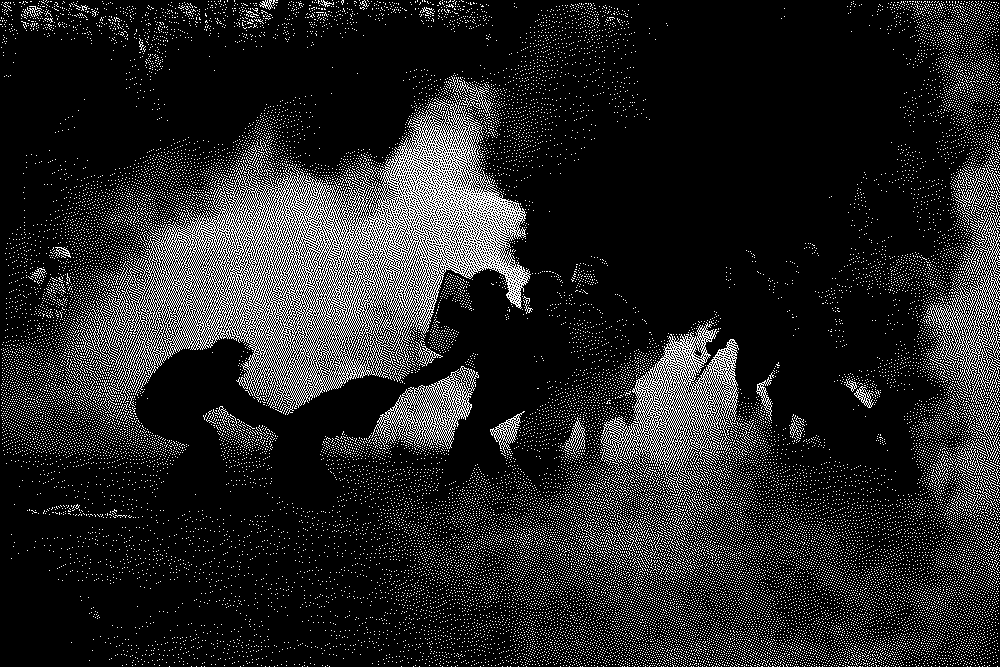
man didderHere are some of my tests on an innocent image2:
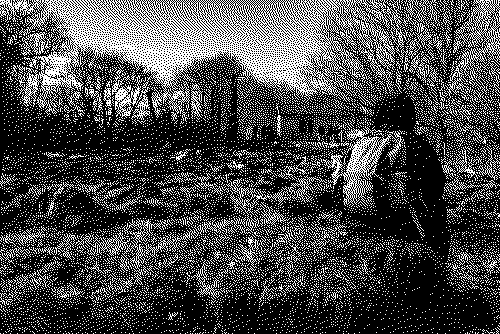
ClusteredDotSpiral5x5
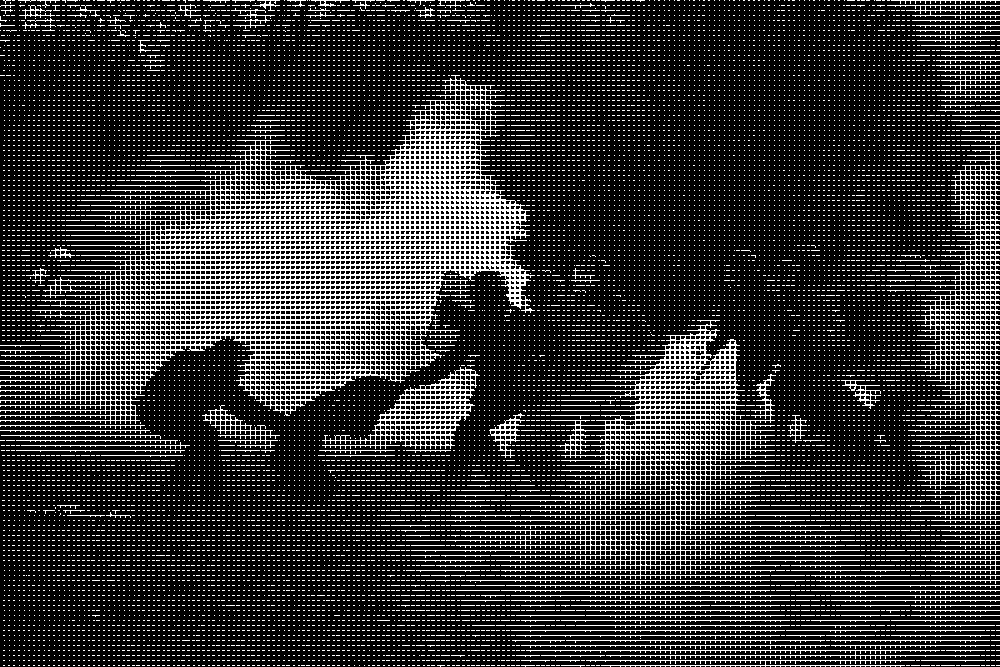
FloydSteinberg (my favorite one)
StevenPigeon
-
I'm not sure anymore if I built
didderfrom source or installed it through Homebrew... ↩ -
Picture from Reporterre's Article « Terroristes », « chtarbés » : les promoteurs de l’A69 se lâchent contre les opposants ↩